
Leave A Message
Leave a Message is a story based game in first-person where the main character (you) need to relay a message before the end of the world. In this game, I've programmed the first person player controller and the interaction scripts. I was in charge of assisting other team members with various programming tasks that connect the core elements of the game together (cutscene controller, task interactions, dialogue, etc.).
The player plays as a radio broadcaster that has to collect information to leave a final message before the world ends. The player will walk through several tasks that march them towards this final goal. These tasks involve manipulating objects around their room, finding information scattered across boards, and possibly repairing some objects.
Because this game is light in terms of programming requirements, I only contributed a few items: object manipulation, interaction event handlers, and task manager. I created systems for allowing the player to move, interact with objects, and for a sequence of events to guide the player in what their next goal is.
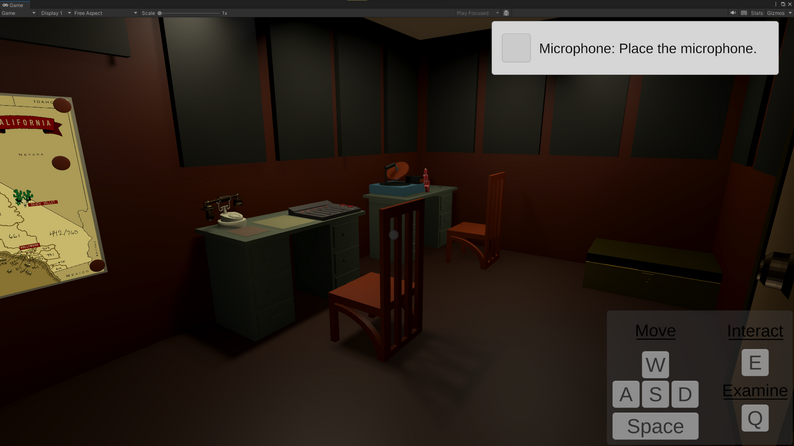
One of the first tasks, to teach the player how to interact with this system, is to simply move a microphone. With this task and many others, I utilized Unity's UnityEvent system. I created an Interactable component that any object with a Rigidbody could adopt. Then, either after interacting with it or placing it into a specific location, another event can be triggered. By doing this, non-programmers could easily connect events together.
All important events of the game are wired in this way. To follow the tasks given in the top right of the screen (see below), the player just needs to interact with objects found throughout the level.
To ensure that players are aware of the ability to interact with object, I created a highlight shader that outlines interactable objects that the player is looking at. This shader is applied by adding an step in the rendering pipeline that applies this shader to any GameObjects moved into the Outline layer.
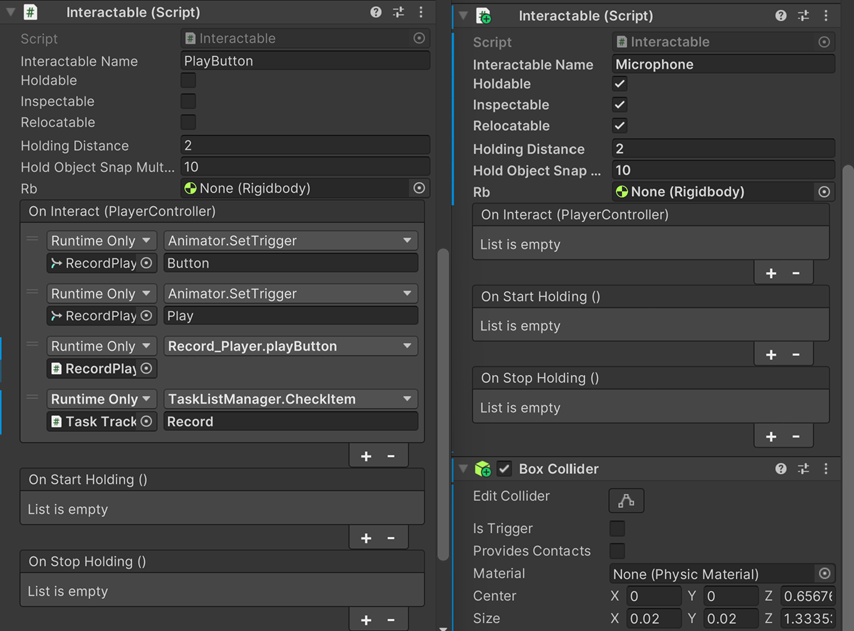
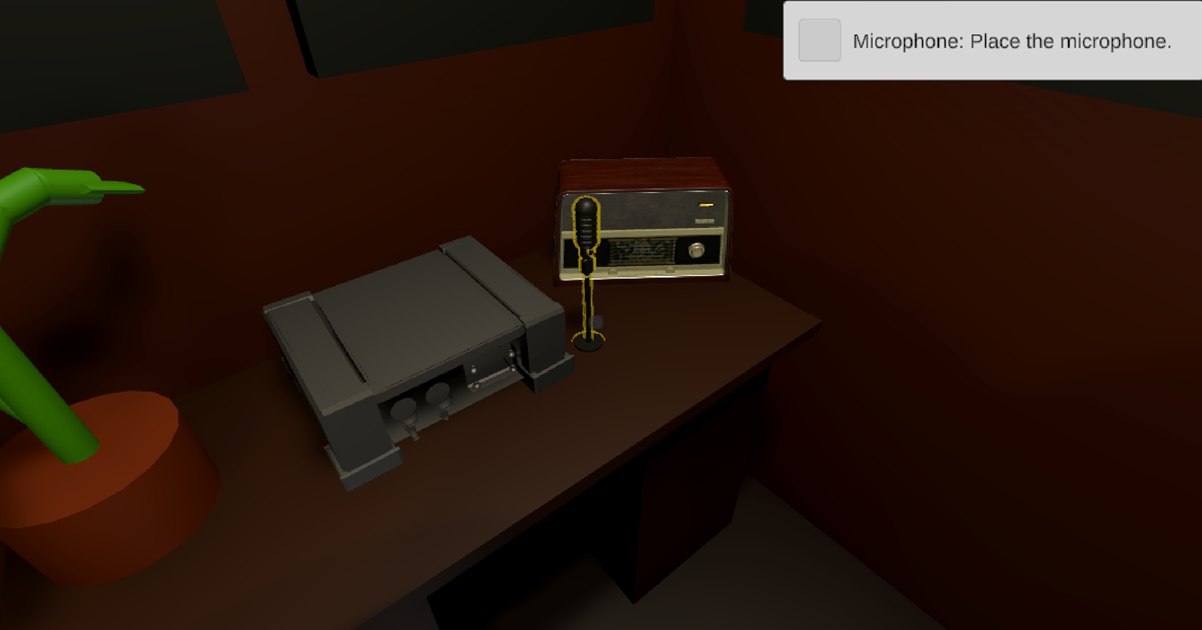
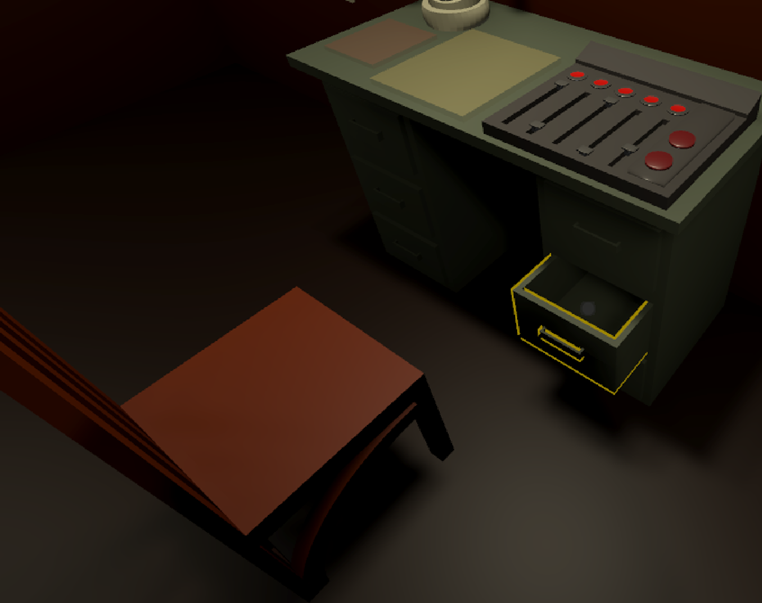
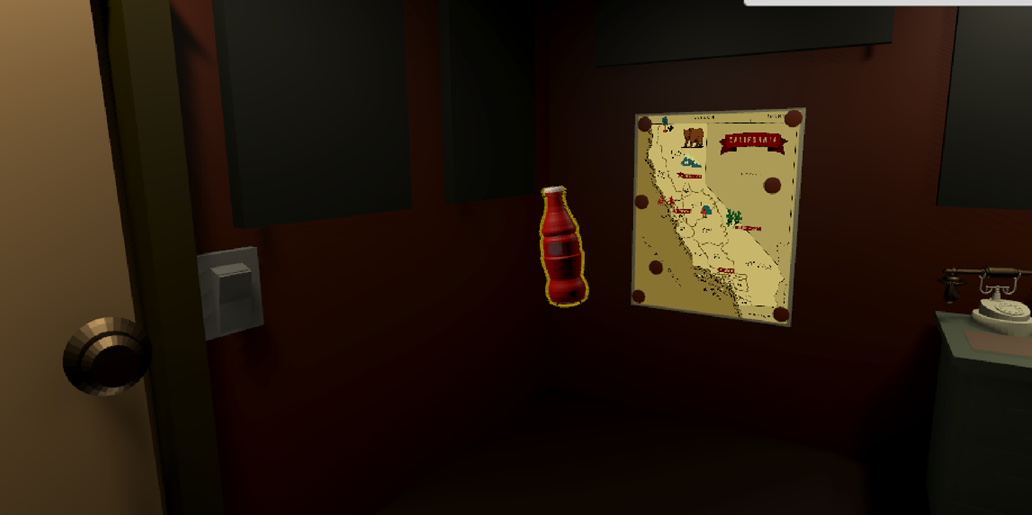
Because of how important it was to interact with objects, I was able to explore techniques for manipulating objects. I allowed objects to be picked it or not and allowed them to follow a path if desired.
If picked up, objects can be pushed further or closer from the player by scrolling or rotated by holding right click on the mouse and moving them. For the sound panel and drawers, they followed a path of sliding along their rails, allowing the player to move them without breaking the objects themselves.