
Project Ricochet War
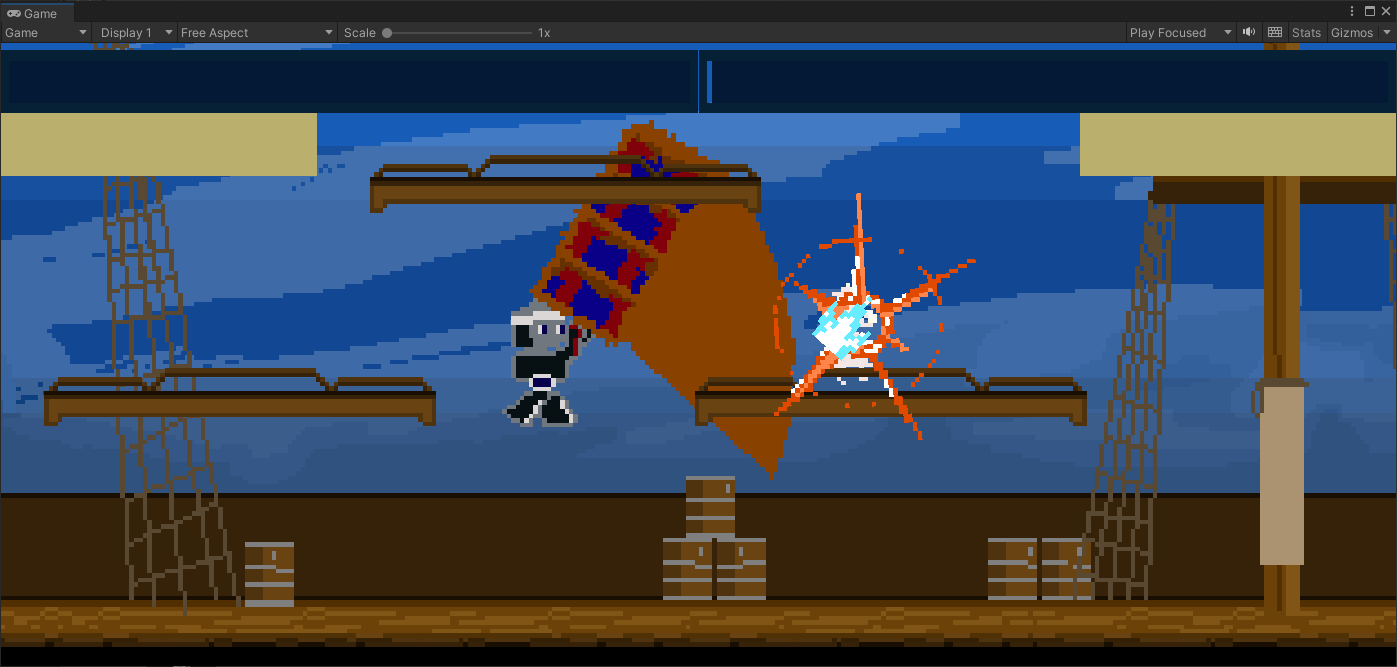
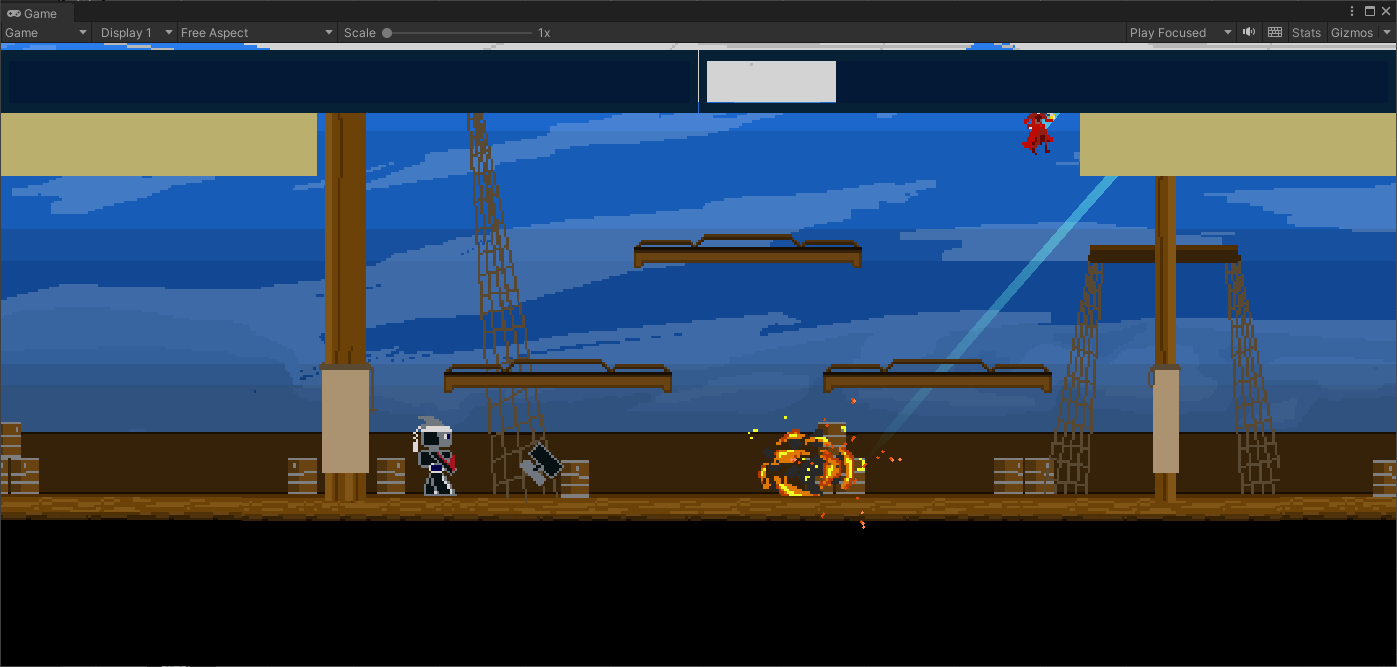
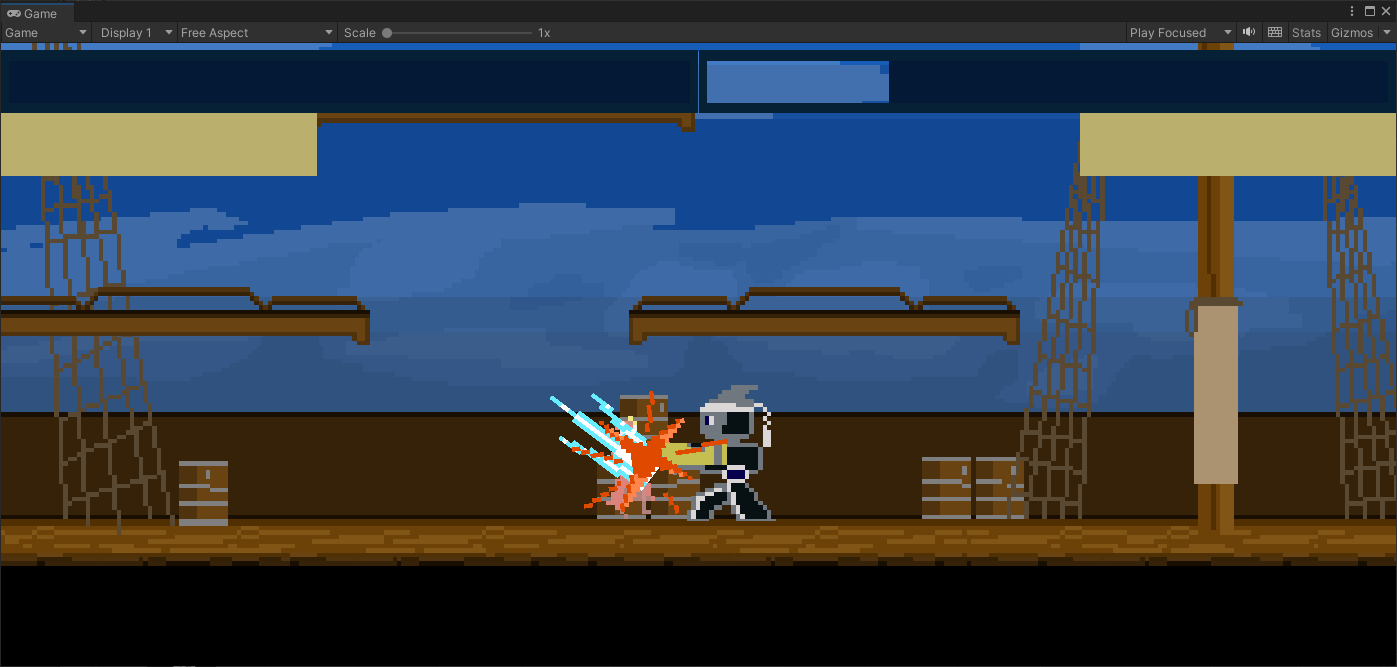
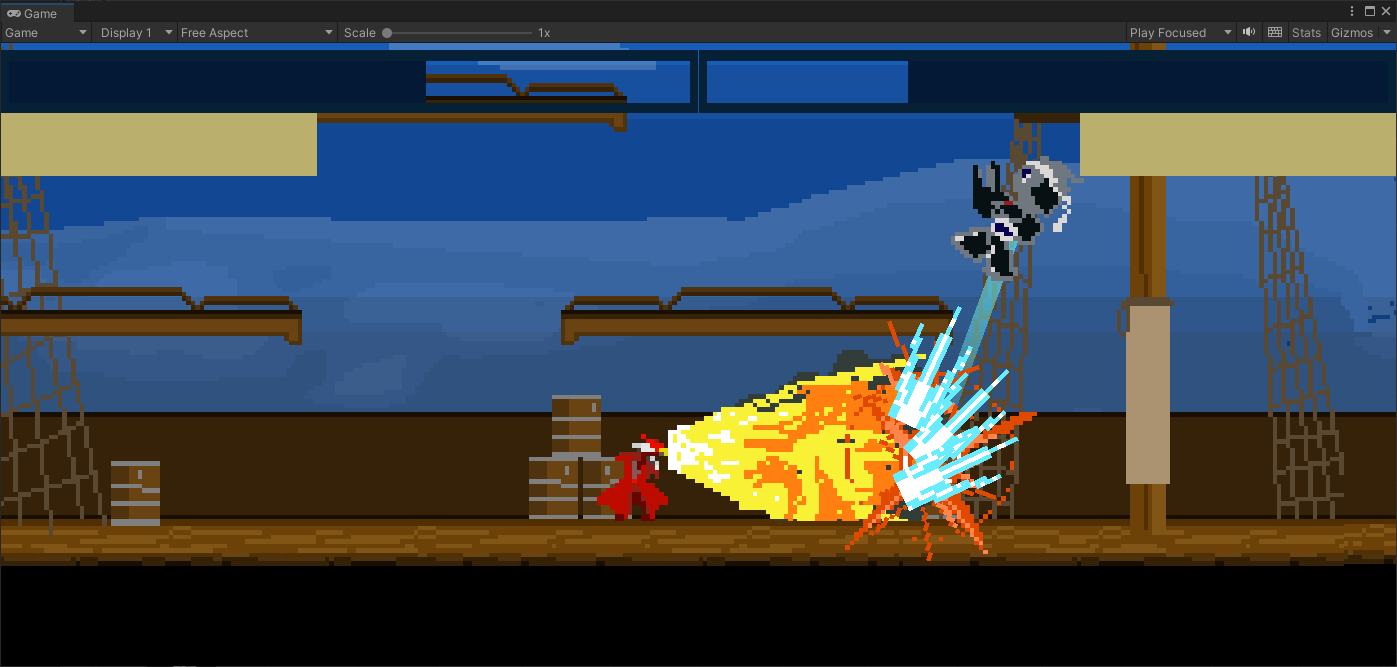
Project Ricochet War is a local multiplayer fighting game. This game is a platform fighter where attacks launch opponents into walls (which they ricochet off of, thus the name). Combos are completed by bouncing/juggling your opponent off the walls. Each character has their own move set, including light attacks, heavy attacks, and special attacks (with unique aerial moves).
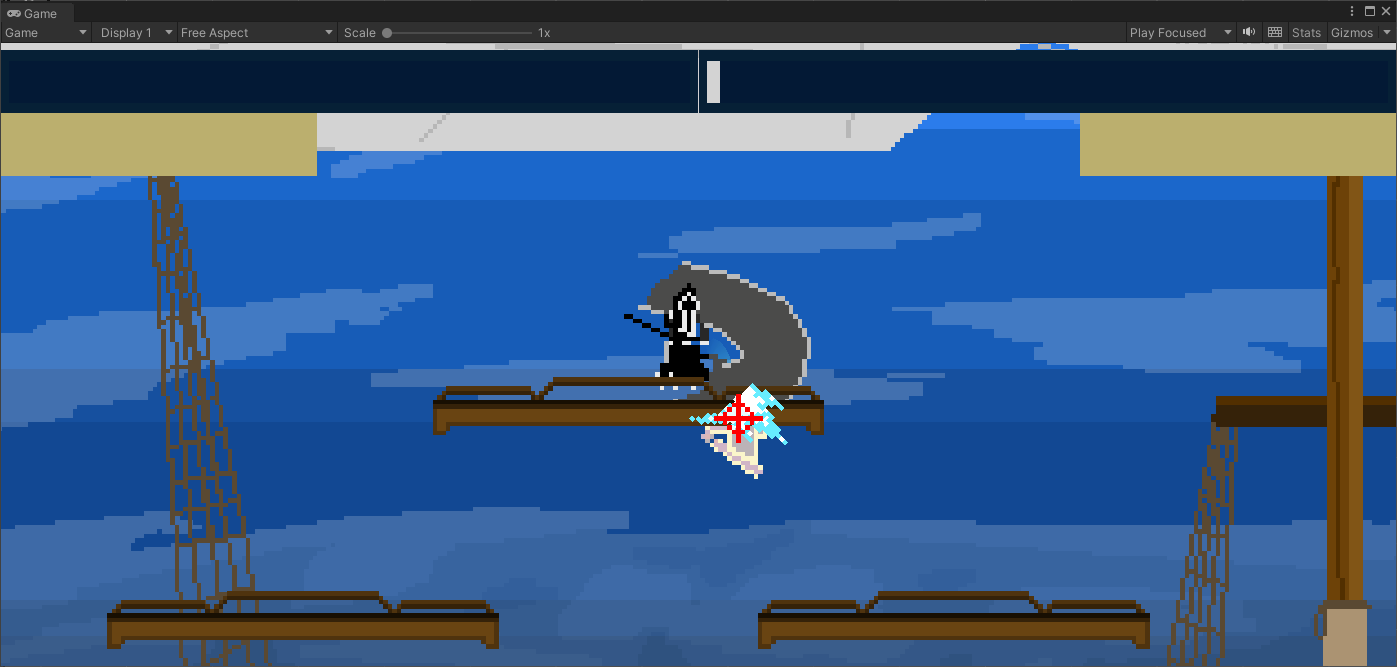
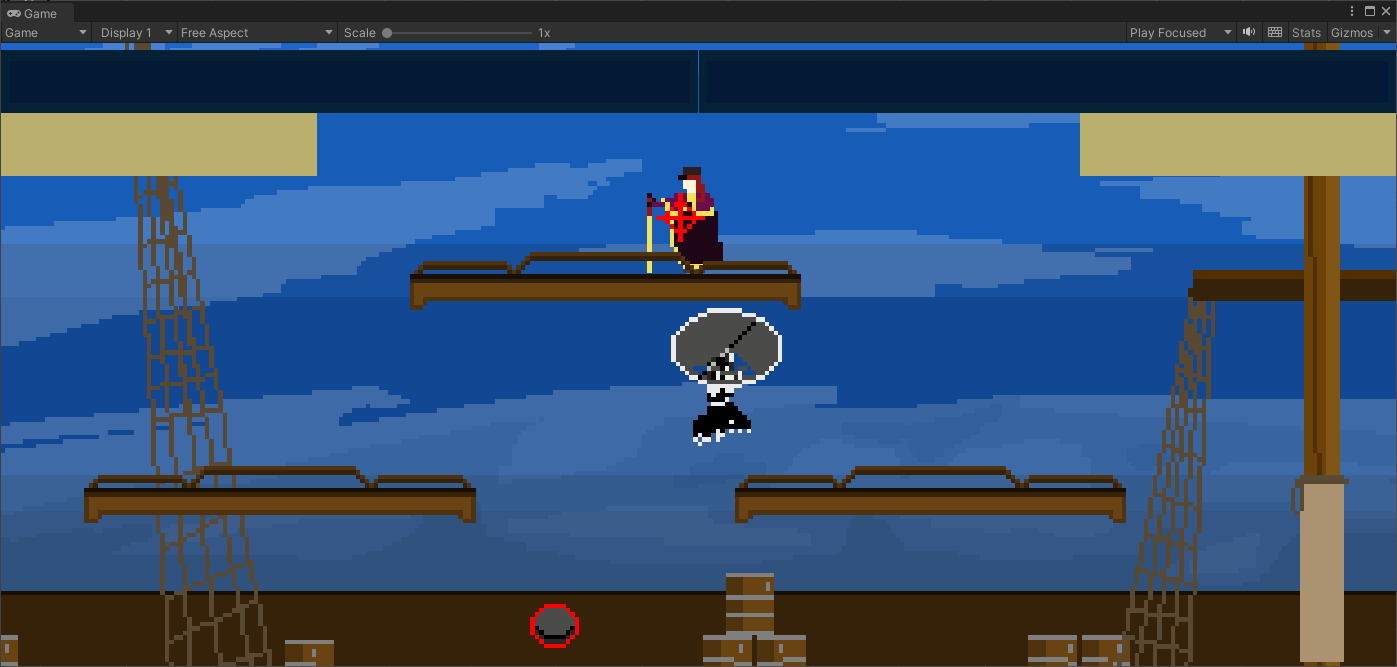
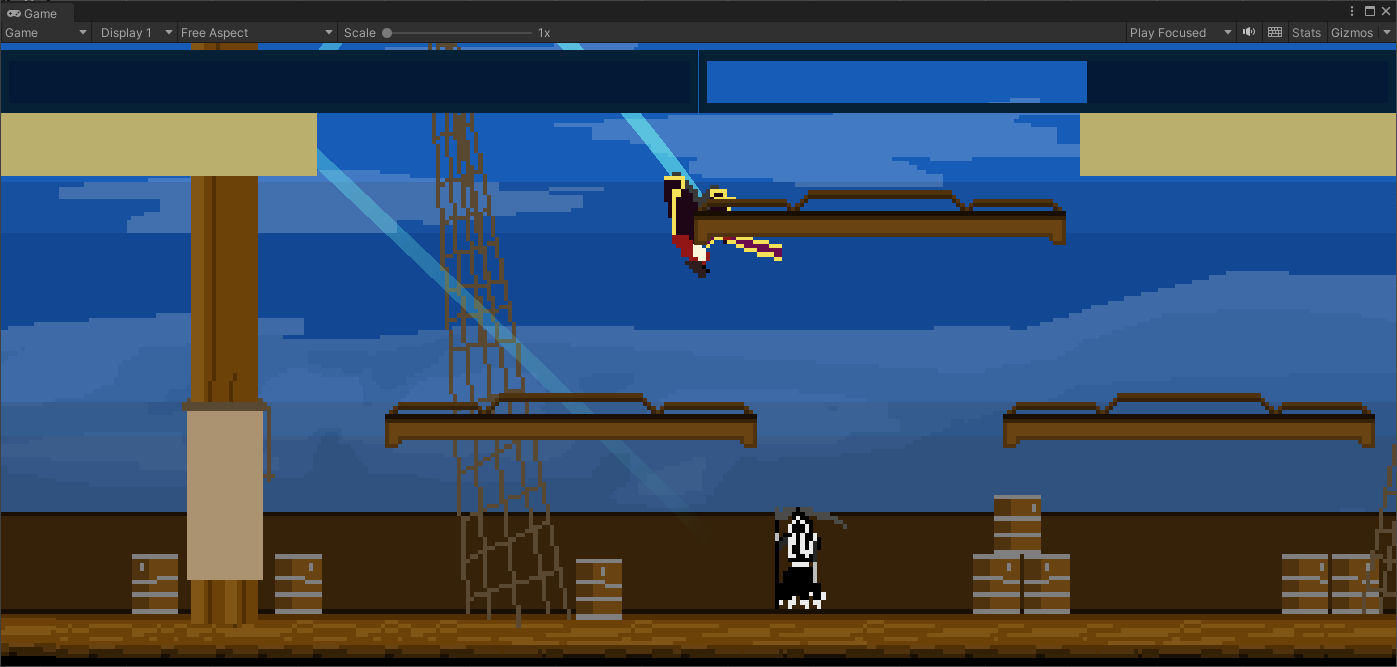
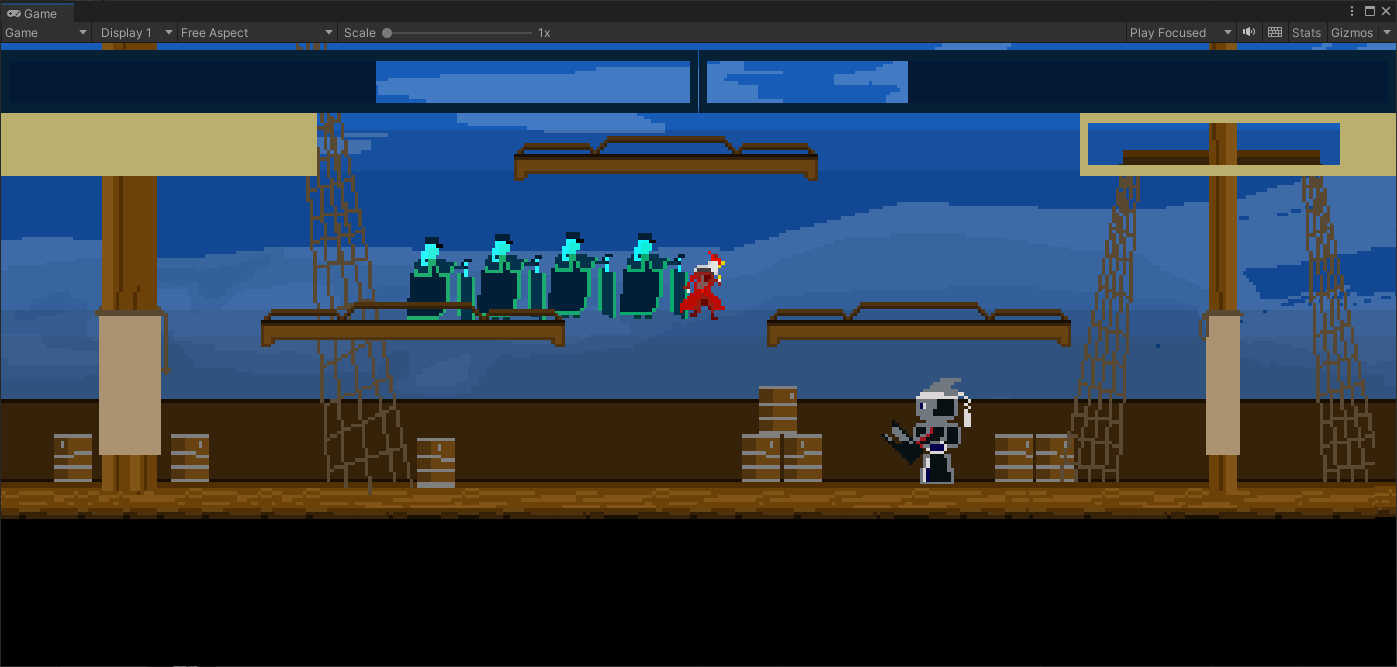
In this project, I created the input buffering system, the time management system (which allows slowing time and pausing), the animation override system, the audio manager system, and the character color palette system.
My contribution to this project can essentially be boiled down to being the systems designer. If there was a system that needed to be created, I made it and the other members on my team used it. I worked most closely with one other person, Owen (you can see the other team members on the itch.io page via the button at the top right), who was primarily responsible for populating the game with characters and their move sets.
The system that I'm most proud of is the input buffering system. The input buffering uses inputs from the unity input system. It takes these inputs and calculates some extra details for the input, storing them into a buffer. In each frame, the duration of inputs in the buffer reduces until they are either used or expire. This input buffering system involves locking out controls, thus a control locking system. Input that are buffered cannot be used if they are locked.
The control locking system is tied closely to the animation system. All controls and abilities in this game are animation driven. When an animation is played, a lock on the relevant controls is placed onto the character's control lock manager. Then, when the animation finishes, those control locks are released, allowing other animations to be played. For example, if a character attacks while jumping in the air, the attack animation will lock them out of making further attacks, but they can still move left and right or continue to jump. While on the ground, making an attack will lock the character out of almost all inputs.
I'll talk more later on about the input buffer system.
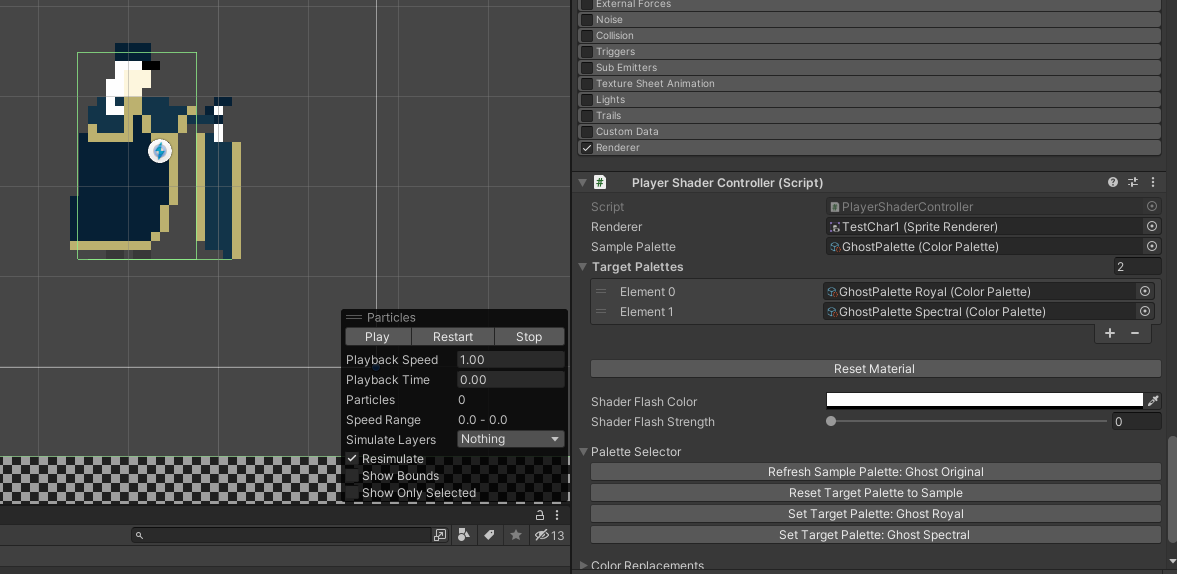
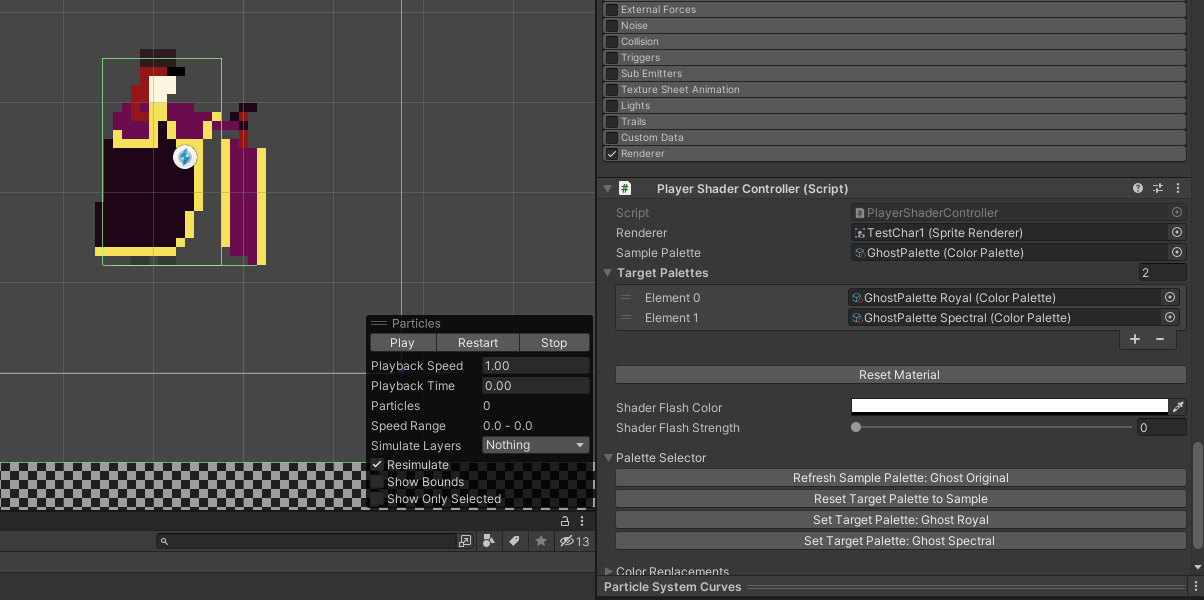
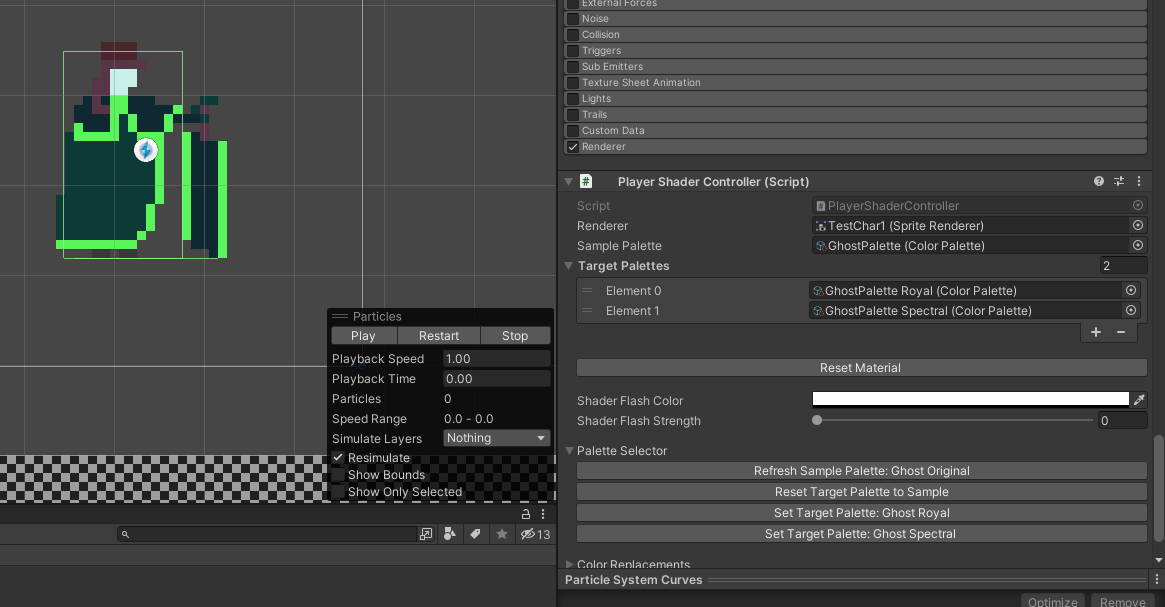
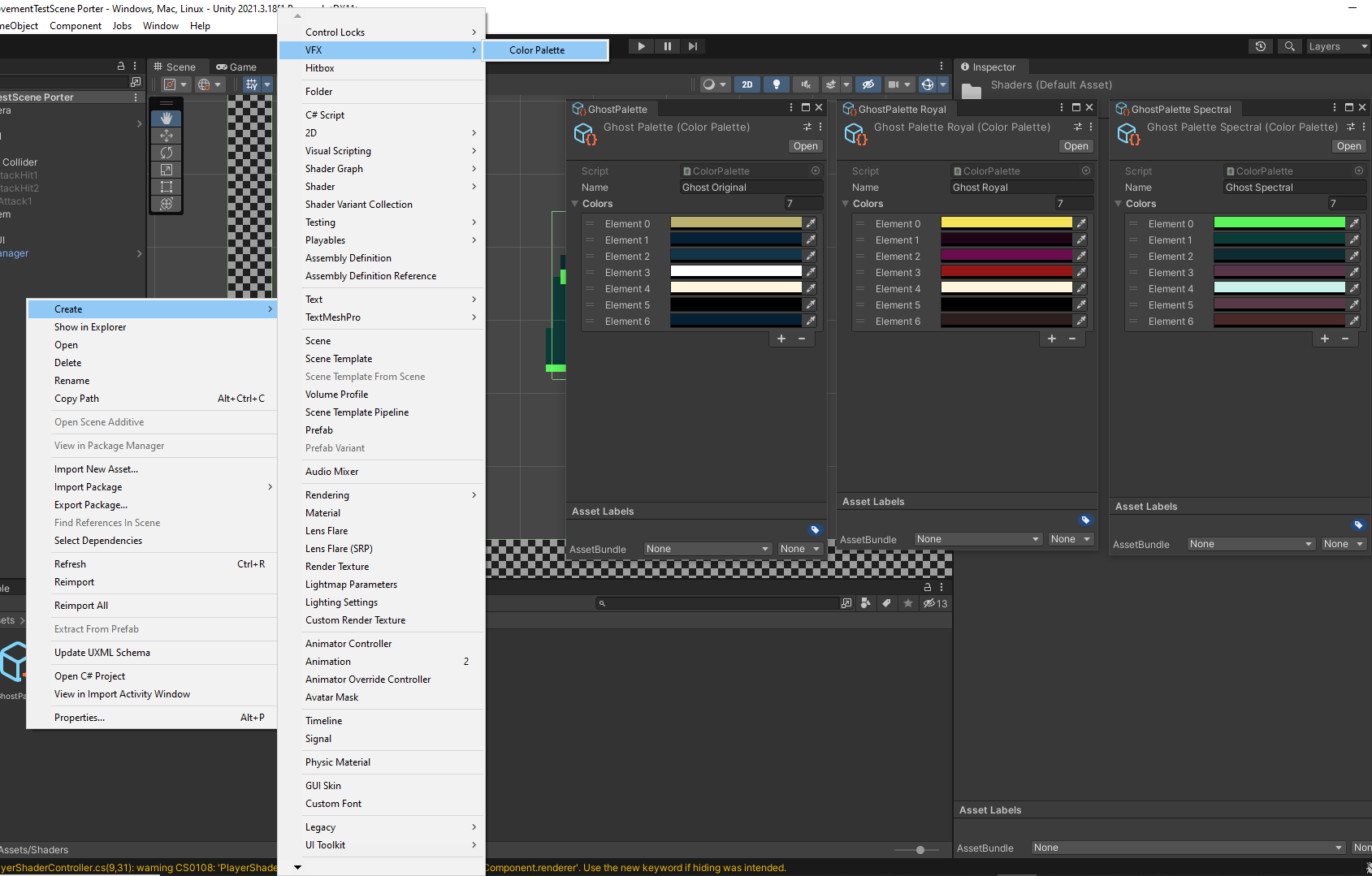
The palette tool allows us to shade the characters using customized palettes. This allows multiple players to select the same character and remain visually distinct from one another. This system uses shader graphs to apply the palette change and scriptable objects to store the created palettes. Additionally, I created helpful UI buttons and CustomInspectors to assist with creating and managing these palettes.
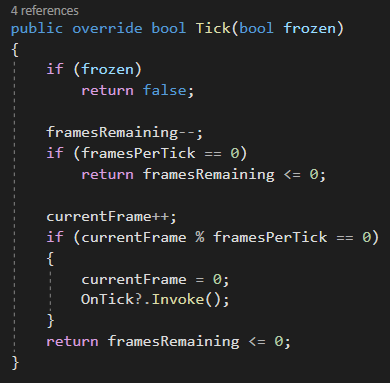
Every time an attack hits an opponent, there's a small amount of time where the time freezes for both the attacker and the attacked player. This makes the time manager crucial to the game feel.
To create a time manager, I created a universal time scale that ticks using frames as a measure of time. This allows us to scale times and speeds in the game to match with the framerate we've set for the game.
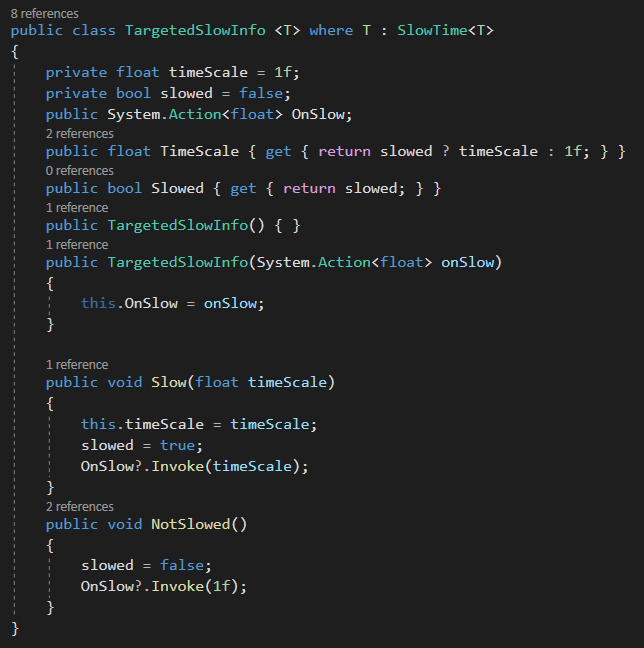
Additionally, I created a targeted time slow system so that specific entities can be slowed by certain amount while still being affected by the universal time scale. So, if the universal time scale was 0.5 and the entity's time scale was 0.1, they would run at a speed of 0.05.

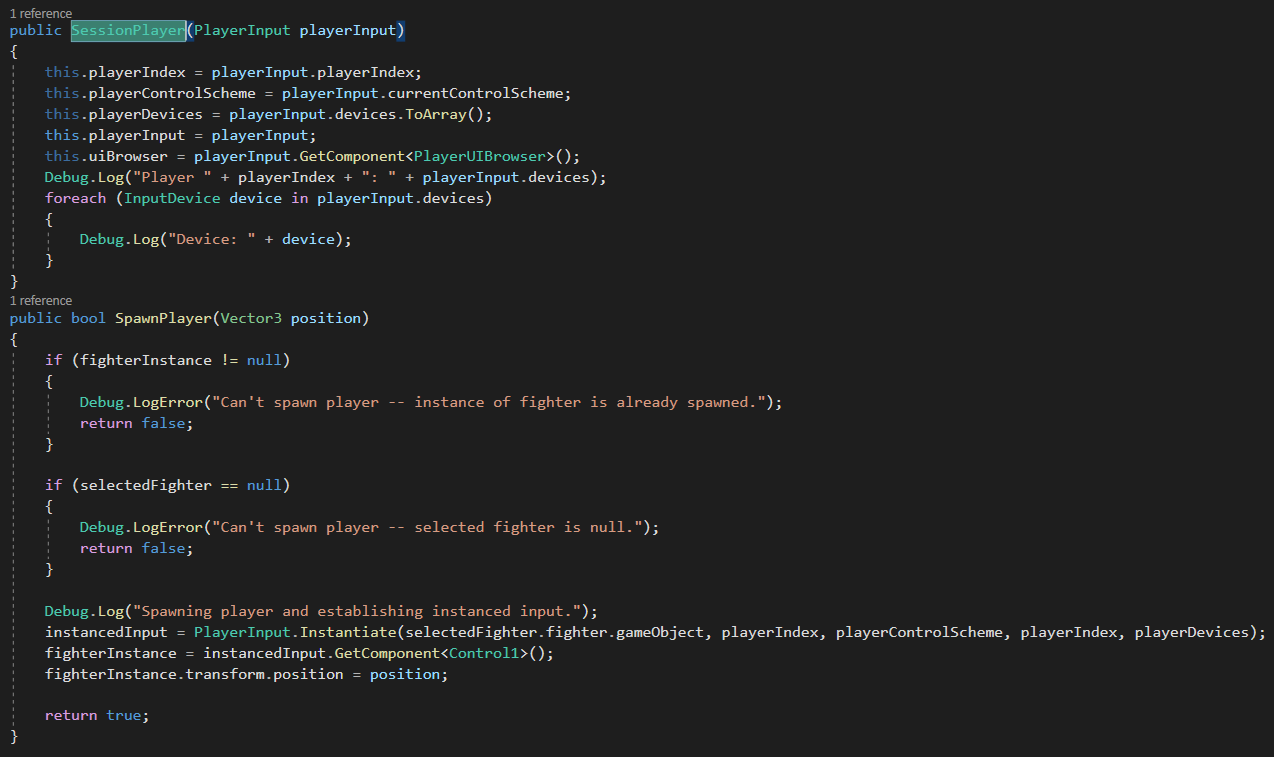
Another aspect to this game is the local multiplayer. We use different scenes for the character select screen and the fighting stage. To transfer players with their selected characters from the select scene to the fighting scene, we use session players.
This class stores the device used by the player in addition to the input object (from the new unity input system) that they're interacting with to press buttons in the menu. These classes are stored in a static object that instantiates and loads their fighters and binds them to the controllers when the fighting stage is loaded.
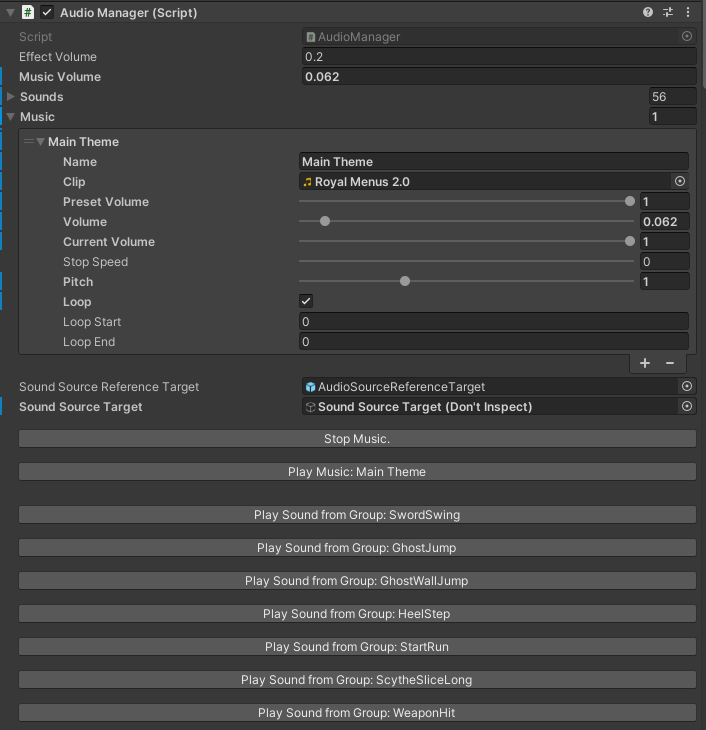
I created the sound manager system with a custom inspector so that we can see and access the sounds available in the game. The inspector allows anyone to modify different settings for the sound in addition to manually playing any sounds. It also allows them to select which music is currently playing, although we only had 1 song written for this game.
A cool feature of this sound manager is sound groups. Whenever a player attacked, we wanted varying pitches and sounds to each swing to avoid monotony. So, we created sound groups. Whenever a sound group is played, it plays a random sound from that group. In the inspector to the right, you can see that we have sound groups to play varying noises for scythe swings, wall jumps, etc.
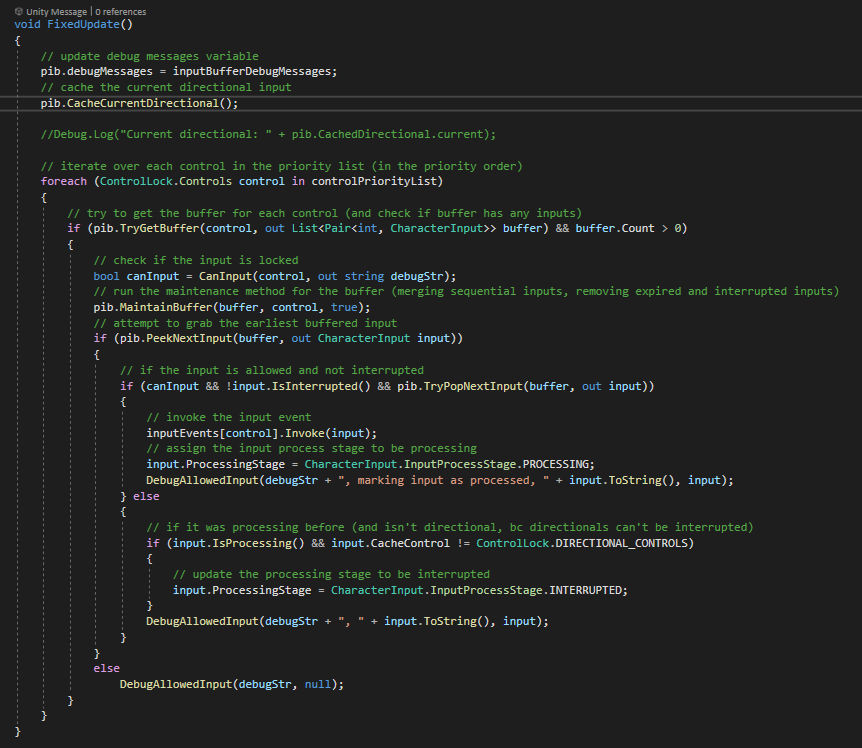
Finally, we get to the input buffer, probably the most important part to game feel in fighting games. This beast of a method to the left is the main loop for the player input manager. This is a system I made that buffers an input, keeping it in the input buffer until the player is able to act upon that input or the input expires.
This system uses the new unity input system and accepts unity events. Only, instead of immediately performing an action, the input is read, some calculations are performed to determine some extra details about the input, and the character input object is thrown into the buffer (in its own bucket corresponding to the control for the input).
Each update, the main loop maintains the buffer by compressing inputs together if they represent the same action and removing any inputs that have expired. If an input is able to be performed, it begins processing.
The action processed by the input then may lock some controls so that other actions cannot be performed until the current animation is finished. This control locking system uses a bitmask flag system to indicate which controls are currently being reserved for animations. Once the control is released, that control is unlocked and inputs using that control can be played again.
The cherry on top of this system is that we maintain a directional input, namely the joystick. Each frame, this directional input is cached so that, when the buffers are maintained, any held or pressed inputs have the directional applied to them. This allows us to specify if the player wants to do a forward attack or an up attack.